Home » Cloud Cost Optimization Strategies for Growing SaaS Companies
Cloud infrastructure makes it easier for SaaS companies to launch quickly, scale applications, and serve customers across different locations.
But as a SaaS product grows, cloud spending can grow just as quickly.
Unused servers, oversized resources, inefficient databases, unnecessary storage, and uncontrolled data transfer can gradually increase infrastructure expenses.
This is where cloud cost optimization becomes important.
Cloud cost optimization is not simply about spending less. The objective is to achieve the right balance between:
Cost + Performance + Reliability + Scalability
In this guide, we’ll explore practical strategies SaaS companies can use to control cloud spending while continuing to scale.
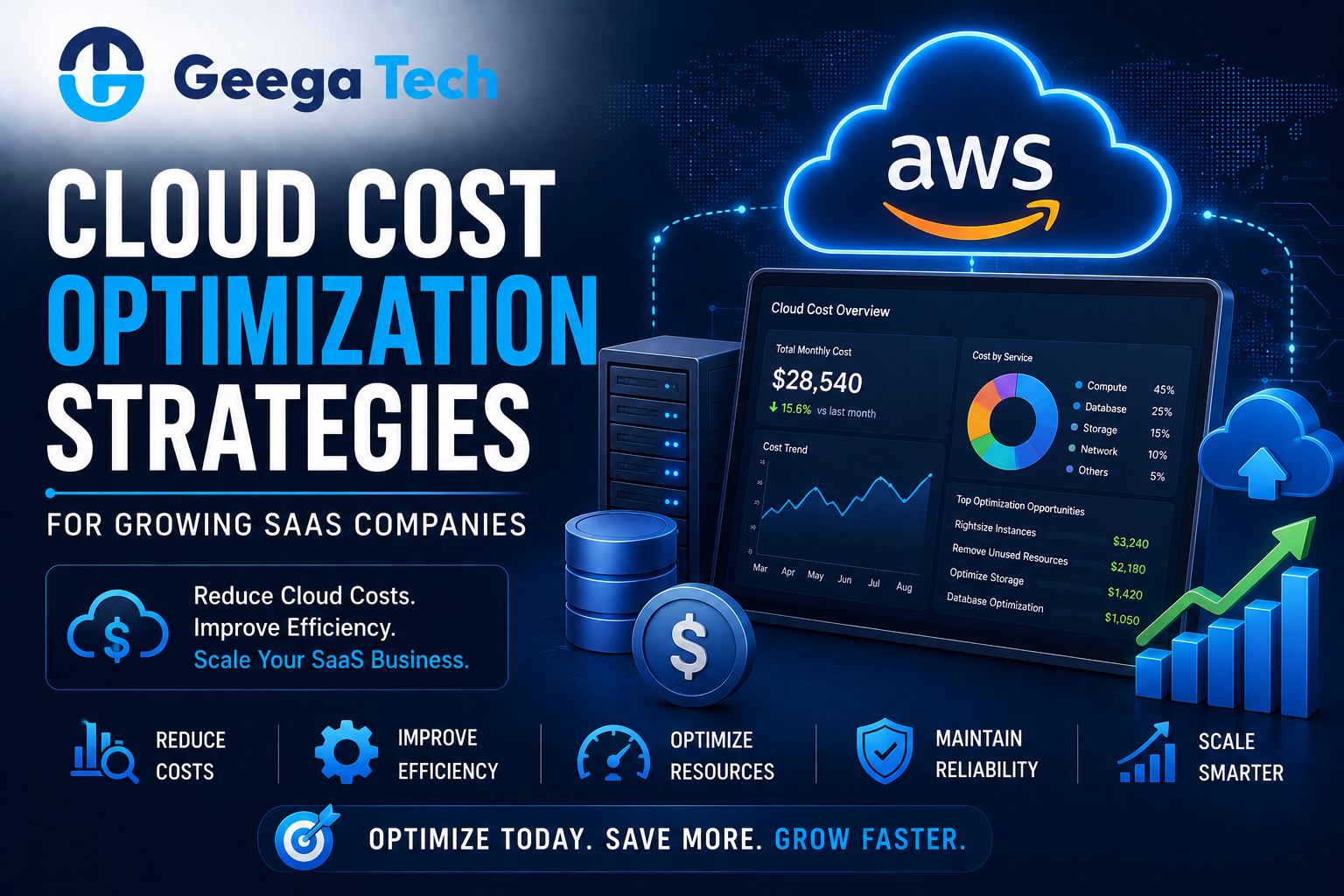
Cloud infrastructure makes it easier for SaaS companies to launch quickly, scale applications, and serve customers across different locations.
But as a SaaS product grows, cloud spending can grow just as quickly.
Unused servers, oversized resources, inefficient databases, unnecessary storage, and uncontrolled data transfer can gradually increase infrastructure expenses.
This is where cloud cost optimization becomes important.
Cloud cost optimization is not simply about spending less. The objective is to achieve the right balance between:
Cost + Performance + Reliability + Scalability
In this guide, we’ll explore practical strategies SaaS companies can use to control cloud spending while continuing to scale.
Cloud cost optimization is the process of analyzing and improving cloud infrastructure so businesses pay for resources that actually provide value.
It may involve optimizing:
The objective is to eliminate waste without negatively affecting application performance or reliability.
A SaaS platform may begin with relatively simple infrastructure:
Application → Database → Storage
As the product grows, the architecture may expand into:
Load Balancer → Multiple Servers → Database → Cache → Storage → CDN → Monitoring → Backups
Each additional service can increase cloud spending.
Common causes include:
Regular optimization helps prevent infrastructure costs from growing unnecessarily.
The first step is visibility.
Businesses should understand which services, applications, teams, or environments generate cloud expenses.
Monitor areas such as:
Instead of seeing only:
Monthly Cloud Bill: $10,000
teams should aim to understand:
Production: $6,000
Database: $2,000
Development: $1,200
Storage & Other Services: $800
Better visibility makes optimization easier.
One of the most common sources of unnecessary spending is oversized infrastructure.
For example, a server may have:
16 GB RAM
while the application consistently uses only:
3–4 GB
The business may be paying for capacity it rarely needs.
Teams should monitor:
Resources can then be adjusted based on actual requirements.
This process is known as right-sizing.
SaaS traffic is rarely constant.
For example:
Morning → Low Traffic
Afternoon → High Traffic
Night → Low Traffic
Instead of running maximum capacity continuously, businesses can use auto scaling.
A simplified model:
Low Traffic → 2 Servers
High Traffic → 6 Servers
Traffic Drops → 2 Servers
This allows infrastructure capacity to adjust according to demand.
Development teams often create temporary resources for:
These resources may remain active even when nobody is using them.
Common examples include:
Regular infrastructure audits can identify these resources.
Development environments may also be automatically stopped outside working hours where appropriate.
Databases can become one of the largest infrastructure expenses for growing SaaS products.
Before simply increasing database capacity, teams should investigate performance problems.
Optimization techniques may include:
For example:
Slow Query → Larger Database Server
may be more expensive than:
Slow Query → Add Correct Index → Faster Query
Software optimization can sometimes reduce infrastructure requirements significantly.
Applications often request the same information repeatedly.
Instead of querying the database every time, frequently accessed information can sometimes be cached.
A simplified flow:
User Request
↓
Cache
↓
If available → Return Data
If unavailable → Database
Caching can reduce:
However, cache invalidation and data freshness should be designed carefully.
Storage may appear inexpensive initially, but costs can grow as SaaS applications accumulate large amounts of:
Businesses should classify data based on how frequently it is accessed.
For example:
Frequently Used Data → Fast Storage
Old Data → Lower-Cost Storage Tier
Expired Data → Delete According to Policy
Lifecycle rules can automate this process.
Network and data-transfer costs can become significant for applications serving large files or global audiences.
Businesses can reduce unnecessary transfer through:
For example, repeatedly serving a large image directly from an application server may be less efficient than delivering optimized cached versions through a CDN.
Cloud cost problems are not always infrastructure problems.
Poor application code can consume unnecessary resources.
Examples include:
Improving application efficiency can reduce the infrastructure required to support the same number of users.
Logging is essential for troubleshooting and monitoring.
But excessive logging can generate large amounts of data.
For example, storing every successful request indefinitely may create unnecessary costs.
Teams should define:
Critical security and audit logs should not be removed simply to reduce expenses.
Some cloud workloads run continuously and have predictable resource requirements.
Businesses may be able to reduce costs through longer-term pricing commitments or reserved capacity options offered by their cloud provider.
These options are most useful for predictable workloads.
Businesses should avoid making large commitments before understanding their actual usage patterns.
Serverless architecture can be cost-effective for certain workloads because businesses pay primarily when functions execute.
Good examples may include:
However, serverless is not automatically cheaper for every workload.
High-volume or continuously running applications may have different cost characteristics.
For SaaS companies, infrastructure cost should also be evaluated against customer economics.
Useful metrics may include:
Total Infrastructure Cost ÷ Active Customers
Cloud Infrastructure Cost ÷ Revenue × 100
For example:
If cloud infrastructure costs $10,000/month and SaaS revenue is $100,000/month, infrastructure represents approximately:
10% of revenue
Tracking these metrics over time can reveal whether infrastructure efficiency is improving as the business grows.
FinOps, or Cloud Financial Operations, brings engineering, finance, and business teams together to manage cloud spending.
Instead of cloud costs being only an IT responsibility:
Engineering + Finance + Management
work together.
FinOps practices may include:
This becomes increasingly useful as cloud infrastructure grows across multiple teams and products.
Businesses should not wait until the monthly invoice arrives to discover unexpected spending.
Set alerts when cloud costs reach predefined thresholds.
For example:
50% Budget → Information
80% Budget → Warning
100% Budget → Critical Review
Alerts can help identify:
before costs become significantly larger.
A practical checklist includes:
The cheapest infrastructure is not necessarily the best infrastructure.
Performance and reliability still matter.
Aggressive resource reductions can create performance problems.
Non-production infrastructure can consume significant resources.
Poor application code can create unnecessary infrastructure demand.
Teams should know who is responsible for specific cloud resources and expenses.
At Geega Technologies, we help businesses develop, modernize, and optimize cloud-based applications.
Our capabilities include:
Our approach focuses on reducing unnecessary infrastructure usage while maintaining the performance, security, and reliability required by the application.
Cloud cost optimization should be an ongoing process rather than a one-time activity.
As SaaS companies grow, infrastructure usage changes continuously.
The most effective strategy combines:
Monitoring + Right-Sizing + Auto Scaling + Database Optimization + Storage Management + Application Optimization
The objective should not simply be to create the lowest possible cloud bill.
Instead, businesses should aim for infrastructure that delivers the required:
Performance + Reliability + Scalability at an Efficient Cost


Speak directly with our engineering team to audit your requirements, architecture, and timeline.