Home » Why Every Growing Business Needs Custom CRM Software in 2026
Custom CRM Software 2026 is helping growing businesses manage customer data, automate sales follow-ups and improve team productivity. A CRM designed around your unique business workflow can reduce manual work, prevent missed opportunities and support long-term growth. Managing customer relationships becomes more difficult as a business grows. Customer enquiries arrive through websites, emails, phone calls, WhatsApp, social media and other channels. When this information is stored in spreadsheets or scattered across multiple applications, important leads can easily be missed.
In 2026, businesses need a smarter and more organized way to manage customer interactions. Custom CRM software helps companies centralize their customer data, automate repetitive processes and give their teams the information they need to close more deals.
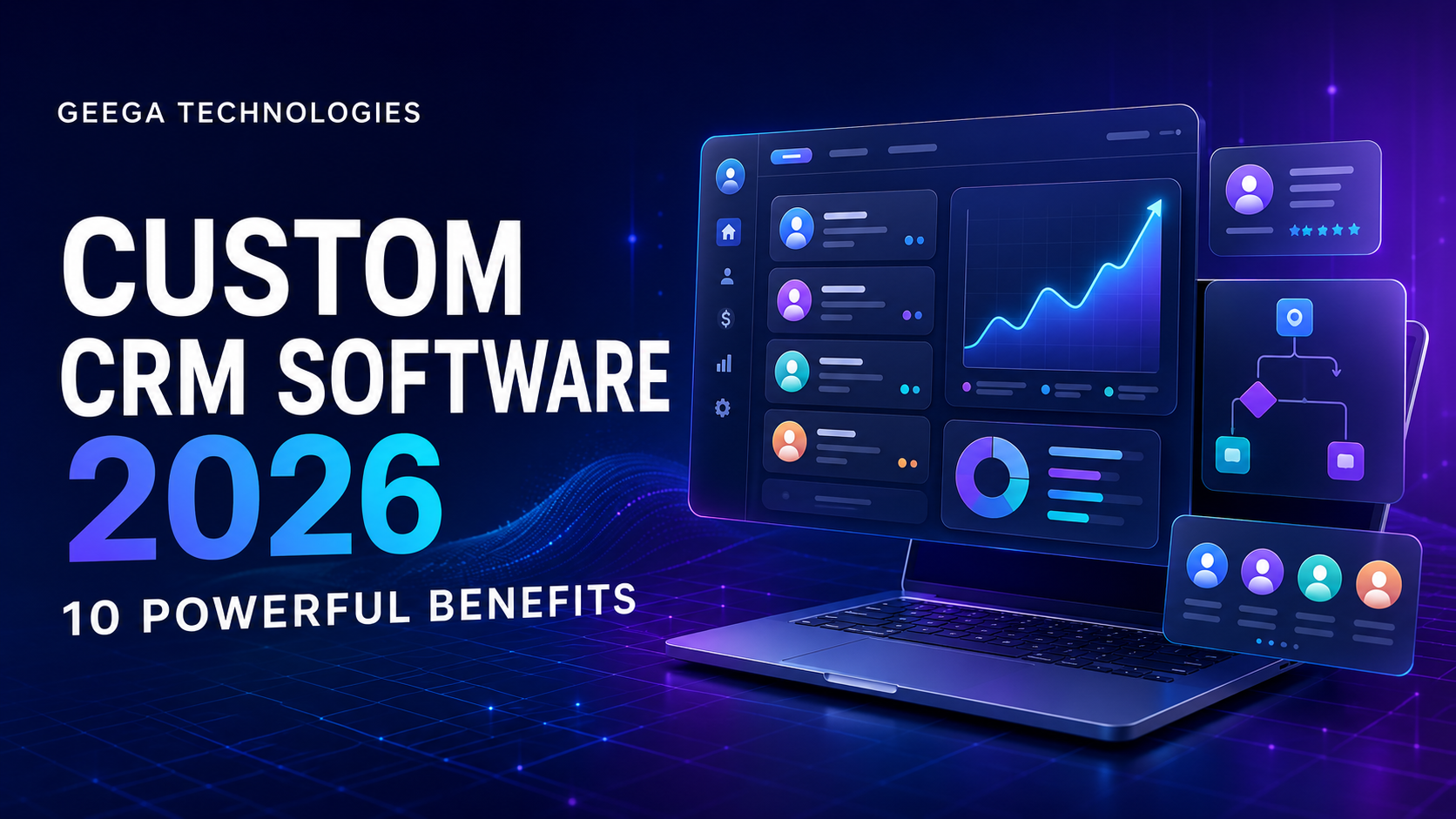
CRM stands for Customer Relationship Management. CRM software helps a business manage its leads, customers, sales activities, communication and follow-ups from a single platform.
Custom CRM software is designed specifically around the processes, teams and requirements of a particular organization. Unlike a ready-made CRM that provides the same features to every company, a custom CRM contains the workflows and tools that a business actually needs.
A custom CRM may include:
Many small and growing businesses initially manage their leads using spreadsheets, notebooks, emails or messaging applications. These methods may work when the number of customers is limited, but they become difficult to manage as operations expand.
Common problems include:
Custom CRM software solves these problems by creating a central and structured customer management system.
A custom CRM stores customer contact details, conversations, enquiries, documents, quotations and previous activities in one location.
Authorized employees can access the latest information without searching through spreadsheets, email threads or personal messages. This improves collaboration and reduces the chances of losing important customer data.
Not every enquiry becomes a customer immediately. Leads need to be contacted, qualified, followed up and moved through different sales stages.
A custom CRM can organize leads into stages such as:
This provides a clear view of the sales pipeline and helps the team focus on the most promising opportunities.
Delayed follow-ups are one of the biggest reasons businesses lose potential customers. When employees manage hundreds of leads manually, some enquiries are likely to be forgotten.
Custom CRM software can automatically:
Automation ensures that every lead receives timely attention.
Every company follows a different sales and customer management process. A real estate company, hospital, school, manufacturing business and software company will not have identical CRM requirements.
With custom CRM development, businesses can define:
Employees do not have to change their entire process to fit generic software. The software is developed around the way the business operates.
Sales representatives often spend a large amount of time updating spreadsheets, preparing reports and searching for customer information.
A custom CRM reduces manual work by automating data entry, task creation, reminders and reporting. Employees can spend more time speaking with customers and closing sales.
Managers can also see:
This makes team performance more transparent and measurable.
Businesses usually use multiple applications for communication, billing, marketing and operations. A custom CRM can connect these systems and create a more unified workflow.
Possible integrations include:
For example, when a user submits a website enquiry, the CRM can automatically create a new lead, assign it to a sales representative and schedule a follow-up.
Customer information is valuable and should not be accessible to every employee. Custom CRM software can provide role-based access according to an employee’s position and responsibilities.
For example:
The system can also maintain activity logs to show who viewed or modified important information.
Manual reporting can take hours and may contain incorrect or outdated information. A custom CRM generates reports using real-time business data.
Important reports can include:
These insights help business owners make better decisions based on actual data.
Customers expect quick responses and personalized communication. When employees have access to complete customer history, they can understand previous conversations and provide more relevant assistance.
A custom CRM helps businesses deliver:
A smooth customer experience can improve satisfaction, trust and long-term retention.
A growing business may need new modules, users, branches or integrations in the future. Custom CRM software can be developed with scalability in mind.
The system can gradually expand to support:
Businesses can add features as their requirements evolve instead of replacing the entire system.
Ready-made CRM solutions can be useful for businesses with simple and standard requirements. They provide quick setup and commonly used features.
However, they may also include limitations such as:
A custom CRM may require a higher initial investment, but it gives the business greater control over its functionality, integrations and future expansion.
The right choice depends on the organization’s size, processes, budget and long-term goals.
Artificial intelligence is making CRM systems more intelligent and efficient. AI-powered CRM capabilities can help businesses analyze large amounts of customer and sales data.
Modern custom CRM systems can use AI for:
AI should support employees rather than completely replace human communication. The best results come from combining intelligent automation with personal customer service.
Your business may need custom CRM software if:
Geega Technologies develops secure, scalable and user-friendly custom software solutions for modern businesses. We work with organizations to understand their existing processes, identify operational challenges and build a CRM that fits their requirements.
Our custom CRM development process can include:
Whether you need a simple lead management system or a complete multi-department CRM platform, our team can design a solution aligned with your business goals.
Custom CRM software is no longer only for large enterprises. In 2026, small and growing businesses also need a centralized system to manage leads, automate follow-ups, monitor sales and improve customer relationships.
A properly designed CRM can reduce manual work, prevent missed opportunities and give business owners better control over their operations. Most importantly, custom CRM software grows with the business and adapts to changing requirements.
If your customer data is scattered across spreadsheets and different applications, now may be the right time to build a centralized CRM solution. Custom CRM Software 2026 can help your organization centralize customer information, automate repetitive tasks and improve sales performance. Geega Technologies can develop a scalable CRM solution based on your teams, processes and future business requirements.
Ready to develop a CRM designed for your business? Contact Geega Technologies to discuss your requirements and turn your existing sales process into a smarter digital workflow.